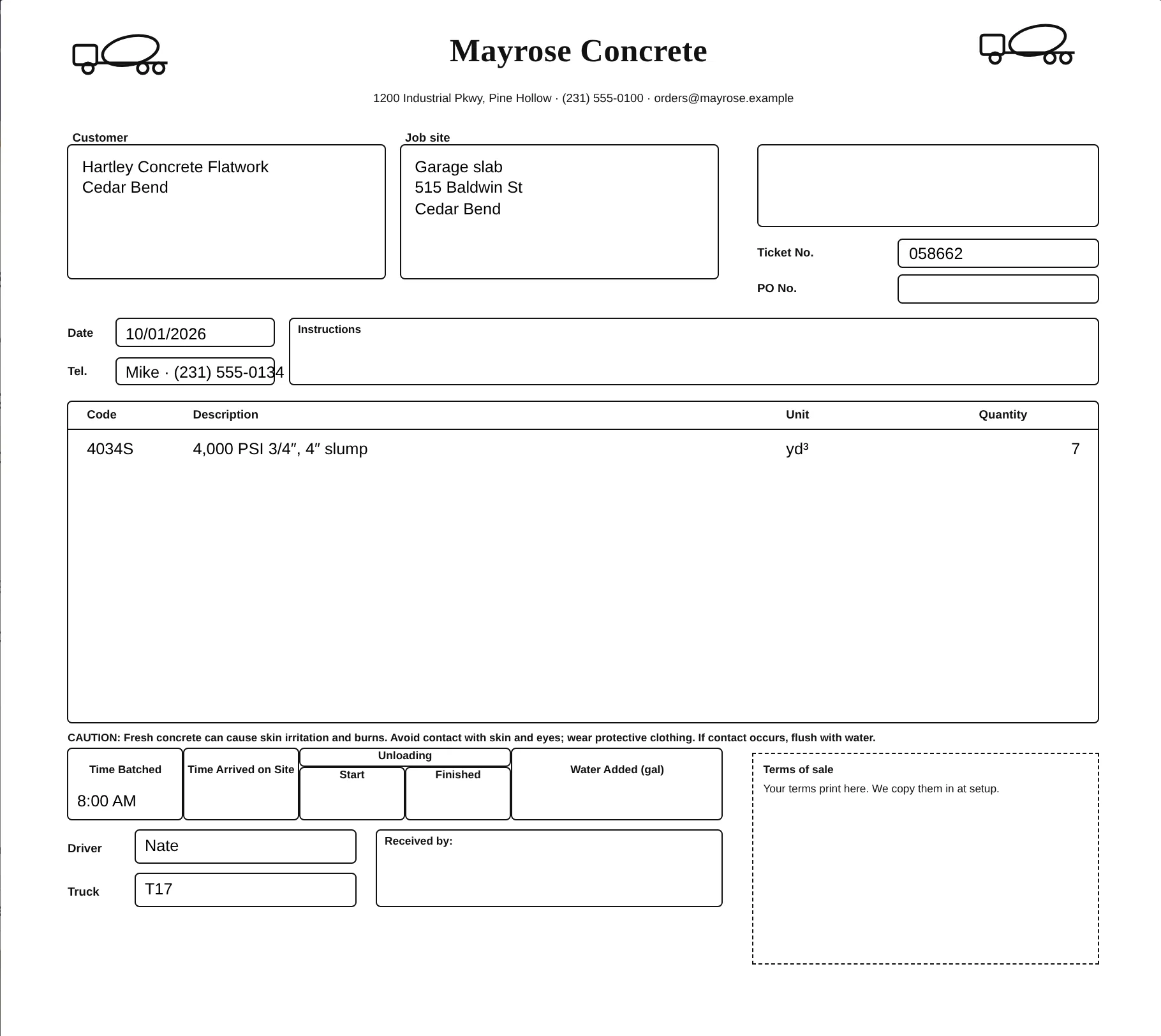
The board your yard runs on.
Take the call, key it in once, and follow every load from the board to the QuickBooks invoice.
Book a walkthrough →
SEE EVERY SCREEN THE US PAGE →
DESIGNED TO WORK WITH QUICKBOOKS ONLINE
From the phone call to the QuickBooks invoice.
Connect your QuickBooks Online company once. After that, the order screen and your books agree, and nobody types an order twice.
- Customers and mixes come from QuickBooks.Your customer list and mix products are on the order screen. A new caller can be added to QuickBooks from the order itself.
- Delivered? Send the invoice.One tap on a delivered load creates the invoice in QuickBooks: the yards, the mix, the agreed price and the customer’s PO. QuickBooks adds the sales tax.
- One invoice per order.Tap twice, lose signal, try again: it’s still one invoice, and its number shows on the order.
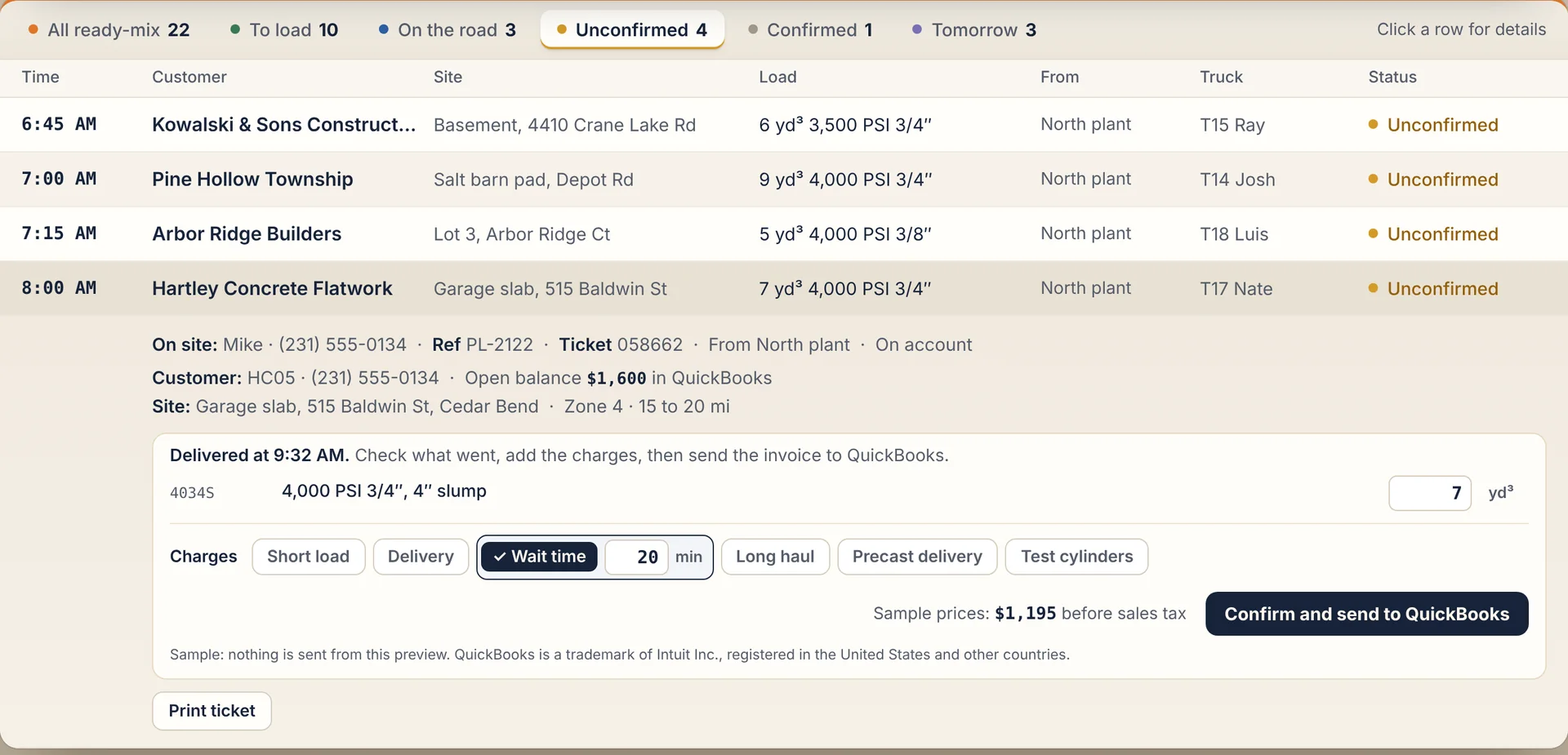
LIVE · TODAY’S POURS
Live from the moment they hit send.
Phoned, typed or tapped, every order lands on your board in real time.
Customers can order from a link too: no app store, no password.